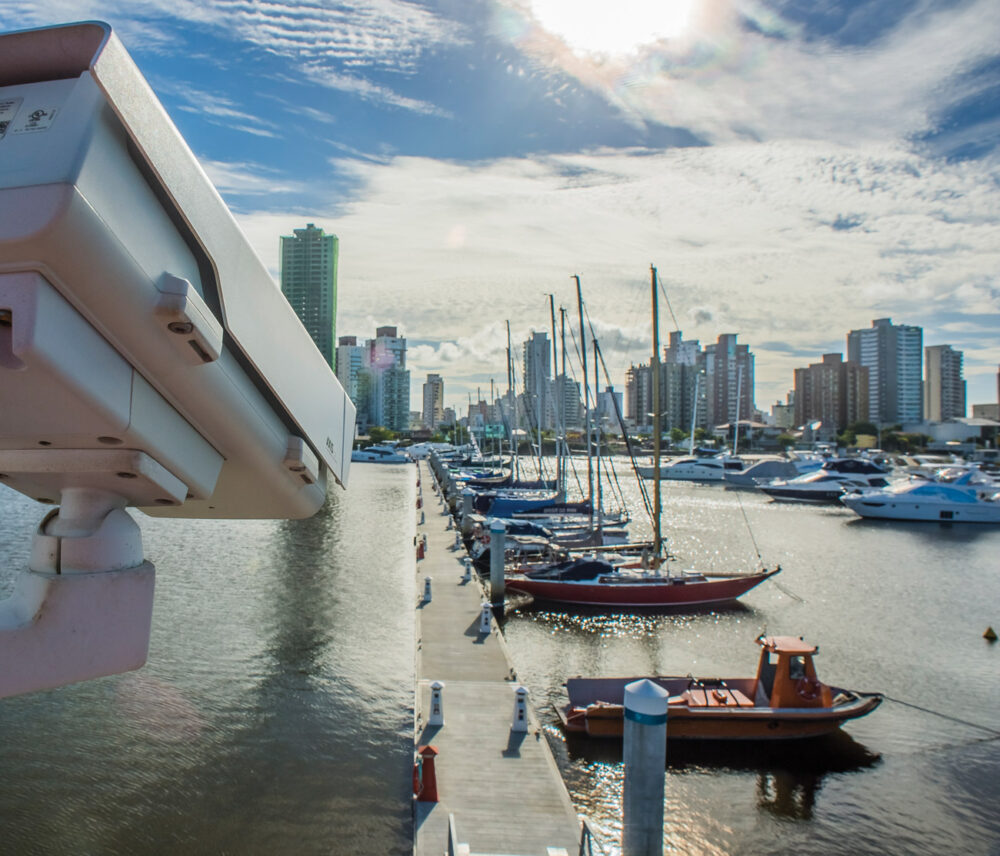
SecurityStation is the easy, smarter way to manage your security cameras. It is web-based, meaning that viewing, recording, playback and alert management is all done via the web. Your video footage is safely stored off-site and you need no recording software or video recorder. All you need is an IP camera, an Internet connection and a SecurityStation account.
Key features
- Fully web-based, fully cross-browser
- Remote recording
- Off-site storage on secure servers
- Instant email alert system
- Plug and play camera set up
- Mobile access with iPhone and iPad
Key benefits
- Access from anywhere, any time
- No recording device needed
- Footage cannot be tampered with
- Take instant action on security breaches
- Just plug in and log on
- Stay in control, always and on the go
Live viewing
View your cameras in real time from any computer or device connected to the Internet. You can control pan-tilt-zoom cameras and also turn off/on any integrated light LEDs.
SecurityStation supports up to 16 cameras in a single account and allows you to view all cameras on one screen. Full screen viewing is available to make monitoring easy. Note that cameras can be in different geographical locations whilst viewable through a single interface, ideal for businesses with multiple locations.
Off-site recording
With SecurityStation, your camera's video footage is recorded remotely, so there is no need for any recording to take place on site.
Your video footage is stored on SecurityStation's secure servers, which are managed by us. Though, for data protection, we have no access to your video recordings!
Recording is triggered by motion detection built into the cameras. On detection, video images of the event are sent via the Internet to the SecurityStation servers, where they will be stored. Recorded event footage is accessible to you via your online SecurityStation account. Its simple.
Email alerts
Not only does motion detection start the video recording, it will simultaneously alert you of the detected event via e-mail (and/or text messages via your phone provider is you so wish). This alert function can be switched on or off.
E-mails sent contain an image of the event so you can instantly assess whether there is an emergency. At this point, you also can simply login to your SecurityStation account and see the event happening in real time, whilst recordings are automatically taken at the same time.
Mobile access
You can access SecurityStation using mobile devices with Internet connectivity, such as the iPhone and iPad. Live as well as recorded video can be viewed this way, so you can keep an eye on things on the go from wherever you are. It is great for piece of mind.
Plug and play 
A range of cameras benefit from Plug and Play (PnP) support within SecurityStation. Cameras with Plug and Play support are marked with the above plug and play icon in the supported cameras listing.
Using Plug and Play, all you have to do is:
1. plug the camera in to your router or network
2. log in to your SecurityStation account
3. start using it. It's easy!
The camera will automatically connect to SecurityStation servers and pre-load default system settings to your account, so it is operational and ready for recording and alerting straight away. No configuration is necessary (and no complicated port-forwarding either). It truly is Plug and Play.
Important to note is that we don’t tamper with the camera’s firmware. So if you no longer wish to use SecurityStation you can simply factory reset your camera and it will function as normal.